
MoCA Adapters: Fast Wired Internet Over Your TV Cable
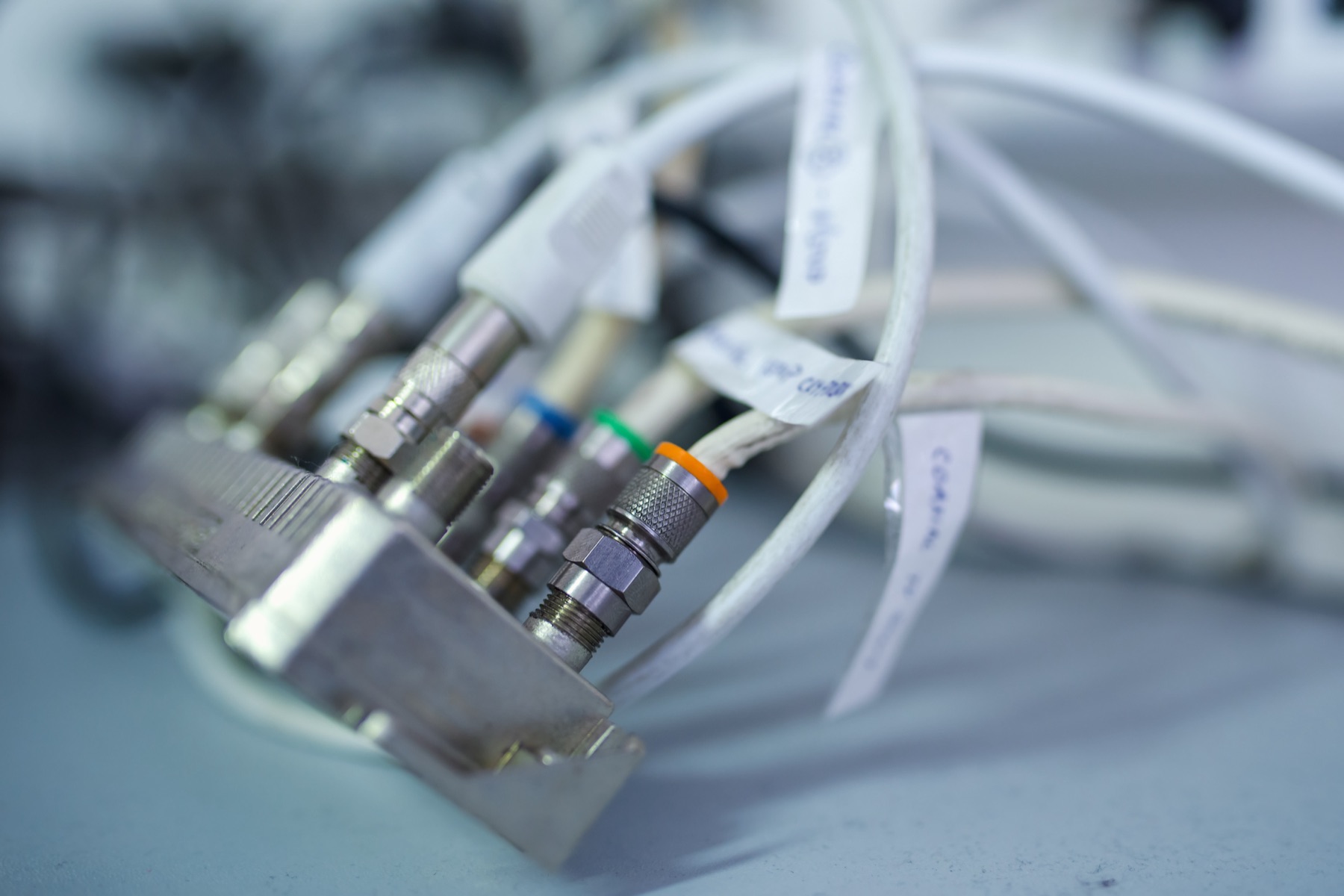
Most homes built in the last few decades have coax cable running to several rooms, left over from cable TV. With a pair of MoCA adapters, that same cable can carry a wired network connection that behaves almost exactly like Ethernet: fast, steady, and with very little delay. No new wires, no holes in the walls.
It’s the single most effective fix for a far room with bad Wi-Fi, and it’s surprisingly little known.
What MoCA is
MoCA stands for Multimedia over Coax Alliance, the group behind the standard. A MoCA adapter is a small box with a coax connector on one side and an Ethernet port on the other. Put one next to your router and one in the room that needs a connection, and the two talk to each other over the coax in between.
- MoCA 2.5 adapters are rated up to 2.5 Gbps.
- MoCA 2.0 adapters are rated up to 1 Gbps on bonded models (500 Mbps for basic ones).
Real-world speeds are lower than the ratings, as with everything in networking, but a working MoCA 2.5 link comfortably handles gigabit internet. And because it’s a wire, it doesn’t fade with walls or wobble when someone runs the microwave.
Why it beats the alternatives
| MoCA | Powerline | Wi-Fi extender | |
|---|---|---|---|
| Uses | TV coax | Electrical wiring | The air |
| Typical result | Close to a real Ethernet cable | Anywhere from good to poor, depending on wiring | Often half your Wi-Fi speed or less |
| Consistency | Very steady | Varies with appliances and circuits | Varies with distance and walls |
| Delay (latency) | Very low | Low to moderate | Moderate |
What you need
- Two MoCA adapters (or one, if your router or provider’s gateway already has MoCA built in, which many Verizon Fios routers do). Buy MoCA 2.5 unless you find 2.0 adapters much cheaper and your internet is under 500 Mbps.
- A coax outlet near your router and one in the target room. They need to be connected to each other, usually through a splitter somewhere in the house.
- Splitters rated for MoCA. Look for “5–1675 MHz” (or higher) on the label. Older splitters rated to 1000 MHz block the frequencies MoCA uses.
- A point-of-entry filter. This small, inexpensive part screws onto the splitter where the cable enters your home. It keeps your MoCA signal inside the house, so it doesn’t leak to the street or to neighbors, and it often improves speed.
How to set it up
- Find your main splitter. It’s usually where the cable enters the house: in a garage, basement, utility closet or outside wall box. Check its label and replace it with a MoCA-rated splitter if it’s old.
- Fit the point-of-entry filter on the splitter’s input port, the one connected to the cable coming from outside.
- Connect the first adapter near your router: coax from the wall to the adapter, Ethernet from the adapter to a spare port on the router.
- Connect the second adapter in the far room: coax from the wall, Ethernet to your device, a switch, or a mesh node or access point.
- Check the link lights. Most adapters show the connection quality on an LED. Then run a speed test with a laptop plugged into the far adapter.
If you have cable internet on the same coax, connect the modem through the splitter as before. Cable modems and MoCA use different frequency ranges and normally share the cable without trouble.
The best use: wiring a mesh node or access point
MoCA really shines when it provides the backhaul for a mesh node or access point. A wired node in the far room delivers full-speed Wi-Fi there, without the speed loss of a wireless hop. Our mesh vs extender guide explains why that link matters, and on Starlink, a MoCA link is an easy way to wire a Starlink mesh node.
Troubleshooting
- No link at all: check for an amplifier on the coax line. Many TV signal amplifiers block MoCA unless they’re labeled MoCA-compatible.
- Slow or unstable link: look for old splitters, too many splits in a row, or damaged connectors. Every split weakens the signal; remove any that lead nowhere.
- Satellite TV on the coax: satellite systems use frequencies that can overlap MoCA’s. Check compatibility before buying, or use a coax run that isn’t part of the satellite system.
- Cable internet got worse after adding MoCA: this is rare, but some newer cable systems use frequencies close to MoCA’s. Make sure the point-of-entry filter is in place, and try adapters that let you choose a different MoCA band.
Quick answers
Does MoCA work without cable TV service? Yes. MoCA only needs the coax wiring; you don’t need a cable subscription.
Can I use more than two adapters? Yes. MoCA works as a shared network, so you can add adapters to more rooms on the same coax.
Is MoCA secure? It stays inside your home’s coax when the point-of-entry filter is fitted. Many adapters also support encryption with a password set from their settings.
Is MoCA better than powerline? In most homes, yes: it’s faster, steadier and less affected by your electrical wiring. Powerline is the fallback when there’s no coax.