
How to Run Ethernet Through Your House Without Opening Walls
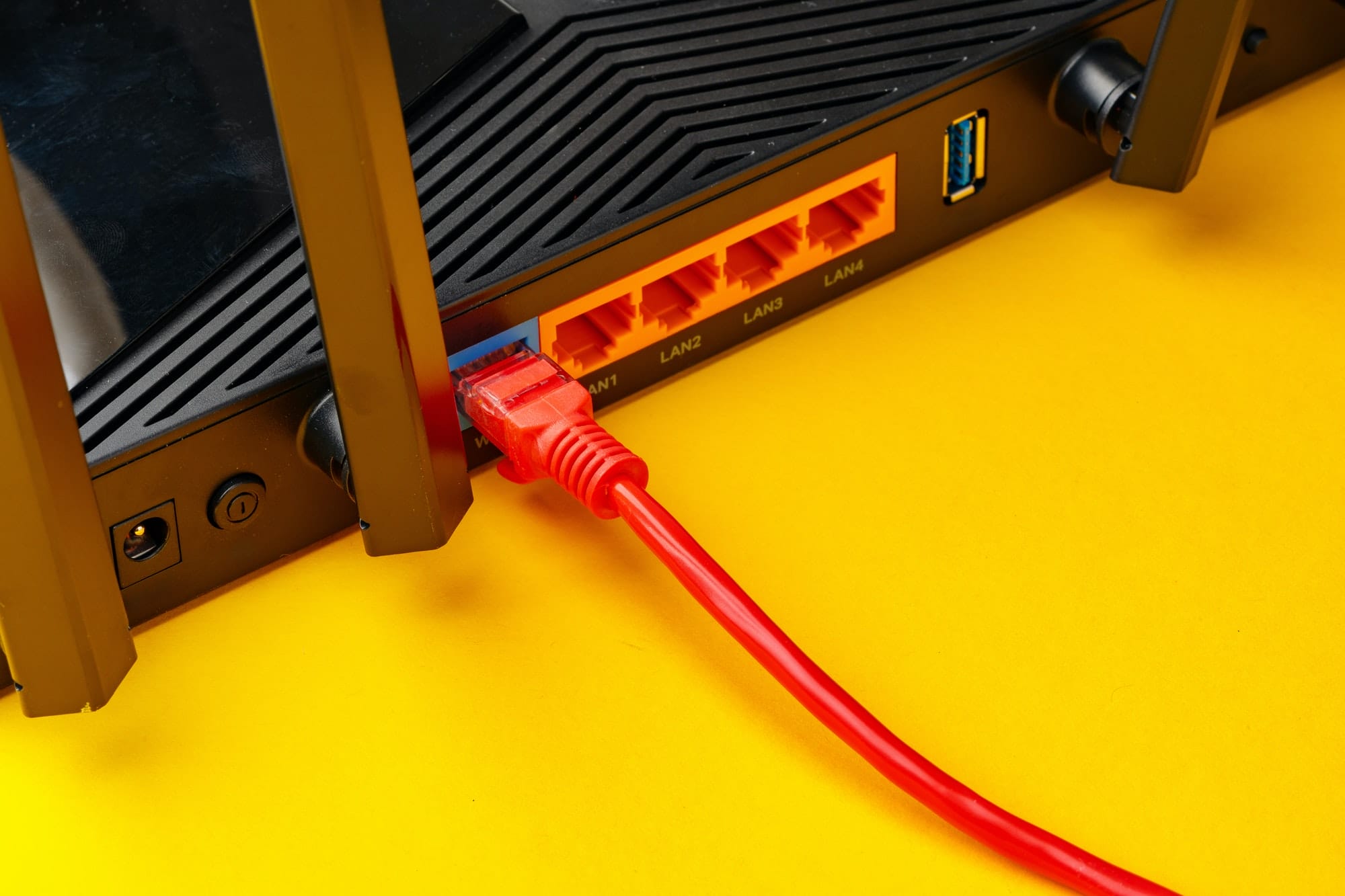
One wired connection to the far end of the house fixes more Wi-Fi problems than any new router. Plug a mesh satellite or access point into it and that room gets full speed, with no wireless hop in between. (Our mesh Wi-Fi explainer explains why that hop matters so much.)
Getting the cable there doesn’t have to mean cutting open drywall. Here are five ways, from least effort to most.
First, check what’s already in the walls
Before buying anything, look around:
- Network jacks you’ve forgotten about. Many homes built since the 2000s have Ethernet jacks in a few rooms, wired back to a panel in a closet, garage or basement. If the jacks don’t work, the panel probably just needs a network switch connected to your router.
- TV coax outlets. The cable TV wiring you no longer use can carry network traffic (see option 1).
- Phone jacks. In some homes the phone wiring is actually Ethernet-grade cable. Unscrew a wall plate and read the cable jacket: if it says Cat5e or better and runs back to a central point, it can be converted into an Ethernet jack.
Option 1: MoCA adapters over your coax
MoCA adapters send Ethernet over the coaxial cable already behind your TV outlets. You need one adapter near the router and one in the far room. Current MoCA 2.5 adapters are rated up to 2.5 Gbps, and the connection is fast, steady and has very little delay, much more like a cable than like Wi-Fi.
Two details make or break it:
- Splitters between the two outlets must be rated for 1,675 MHz or higher. Older ones block the frequencies MoCA uses.
- A point-of-entry filter, a small inexpensive part fitted where the coax enters the house, keeps the signal inside your home and stops it leaking to your neighbors.
If your internet already arrives over coax, check that your provider’s box and the adapters can share the line; some provider boxes use MoCA themselves.
Option 2: Powerline adapters
Powerline adapters send data through your home’s electrical wiring. They’re the easiest option to try, but also the least predictable: depending on the age of the wiring and whether the two sockets are on the same circuit, you might get several hundred megabits or a fraction of that.
- Plug them straight into wall sockets. Power strips and surge protectors filter out the signal.
- Buy from a shop with easy returns, and test in the rooms you actually need.
- Adapters based on the two competing standards (HomePlug AV2 and G.hn) don’t work with each other, so buy a matching set.
Option 3: Flat cable along the baseboards
For a run of a room or two, a flat Cat6 cable tucked along the top of the baseboard or under the edge of a rug is quick, cheap and invisible enough. Adhesive clips or a paintable cable raceway keep it tidy.
Flat cables have less shielding than round ones. They’re fine for 1 Gbps over household distances, but don’t count on them for 10 Gbps. Keep them out of doorways, where doors pinch them, and away from busy walkways unless they’re under a proper cover.
Option 4: Through the attic or crawlspace
This is how professional installers do it, and in a single-story home it’s very achievable. The cable runs across the attic (or under the floor) and drops down inside the wall cavity to a new wall plate. The only cut is a small rectangle for the plate itself.
What you’ll need:
- In-wall-rated, solid-copper cable. Look for CM or CMR on the jacket. Avoid “CCA” (copper-clad aluminum) cable, which is cheaper and worse.
- A fish tape or glow rods to guide the cable down the wall.
- A drill with a long bit to get through the wooden top plate at the top of the wall.
- An “old work” low-voltage bracket, which clamps into drywall without a stud, plus a keystone jack and wall plate.
Stay safe in the attic: step only on joists, wear a mask around insulation, and never share a hole with electrical cable. Where a data cable has to cross a power cable, cross at a right angle rather than running alongside it.
Option 5: Outside the house
Sometimes the easiest route is around the outside. Use cable rated for outdoor use, which resists sunlight, or direct-burial cable if it goes underground. Leave a small downward loop where it enters the wall so rain drips off, and seal the hole. For a run to a separate building, such as a garage or studio, consider surge protection, or fiber, which can’t carry a lightning surge at all.
Which cable to buy
| Category | Speed | Maximum run |
|---|---|---|
| Cat5e | 1 Gbps, and 2.5 Gbps on most runs | 100 m (328 ft) |
| Cat6 | 1 Gbps, or 10 Gbps up to about 55 m | 100 m (328 ft) |
| Cat6a | 10 Gbps | 100 m (328 ft) |
For most homes, solid-copper Cat6 is the right choice: affordable, easy to work with, and fast enough for anything a home will need for years. Choose Cat6a only if you’re planning a 10 Gbps network over long runs.
Which option to choose
| Option | Typical result | Effort | Best when |
|---|---|---|---|
| MoCA over coax | Close to a real cable | Low | There’s a coax outlet near both ends |
| Powerline | Anywhere from good to poor | Very low | You want to try something today |
| Flat cable | A real cable | Low | The run is short and mostly along one floor |
| Attic or crawlspace | A real cable | Medium | You have access above or below the rooms |
| Outside the house | A real cable | Medium | Walls and attic are hard to get through |
Whichever route you take, plug a mesh satellite or access point into the new connection and your weak room becomes one of the best in the house.